
 STINGER GALLEY
Your proposal. Your prices. Nothing redrawn.
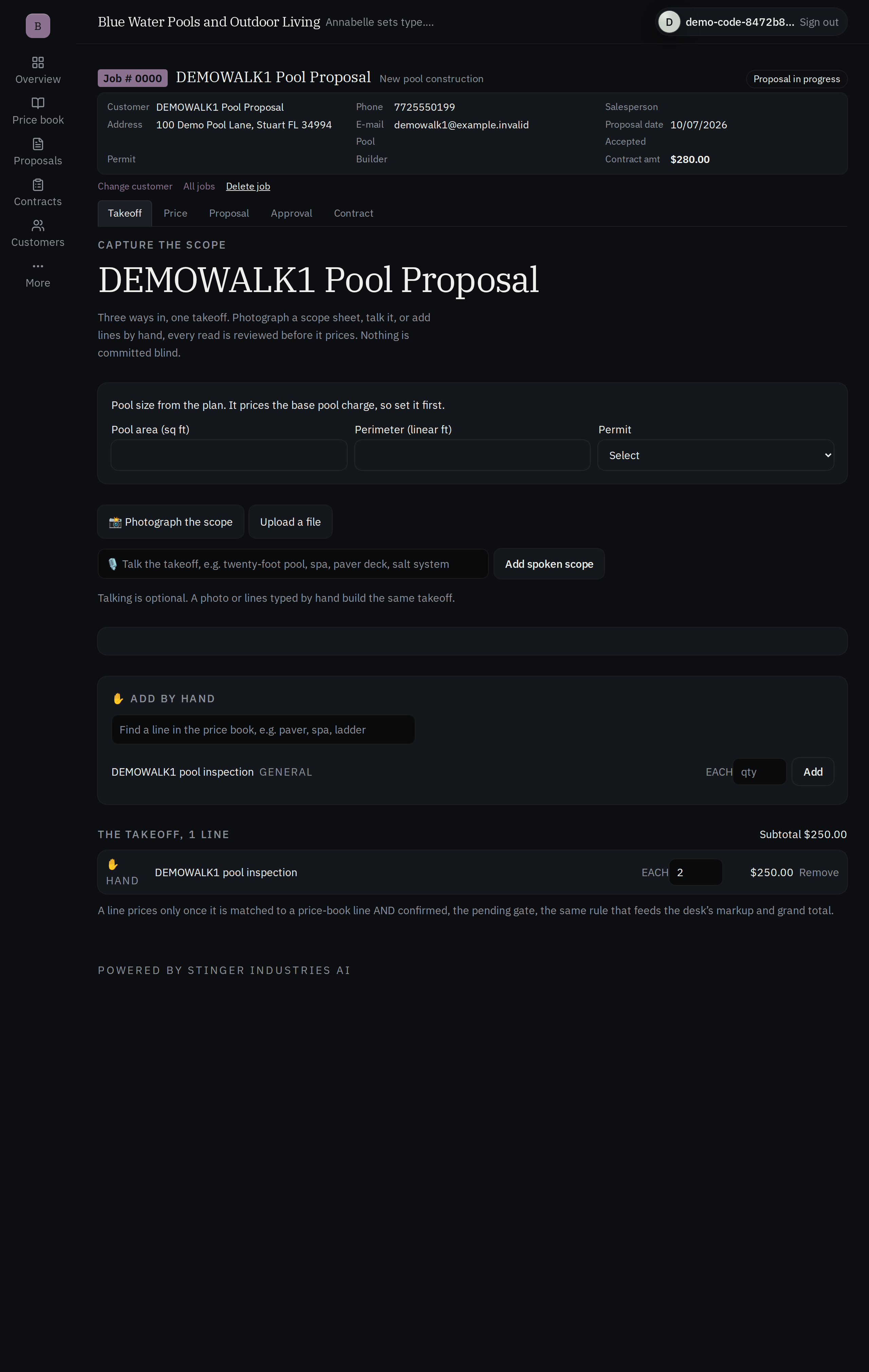
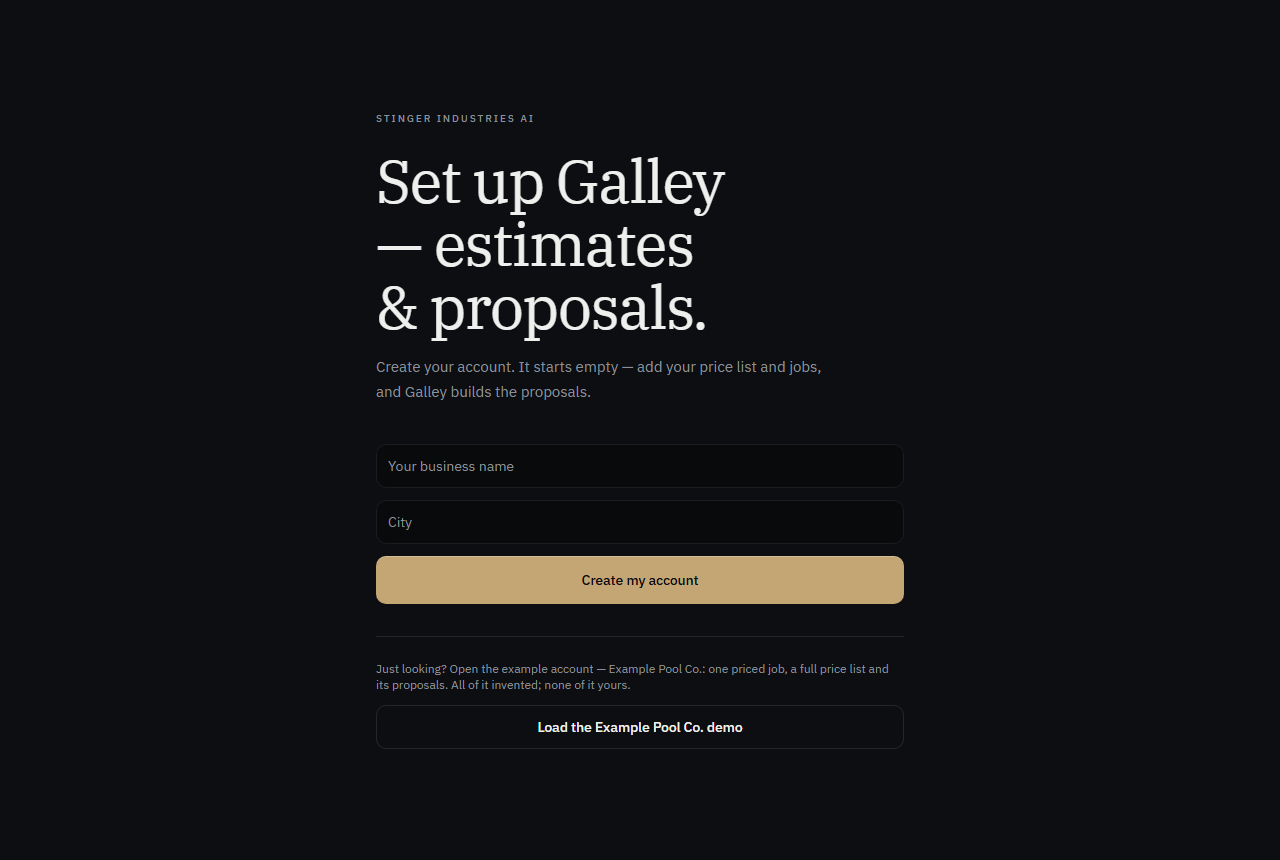
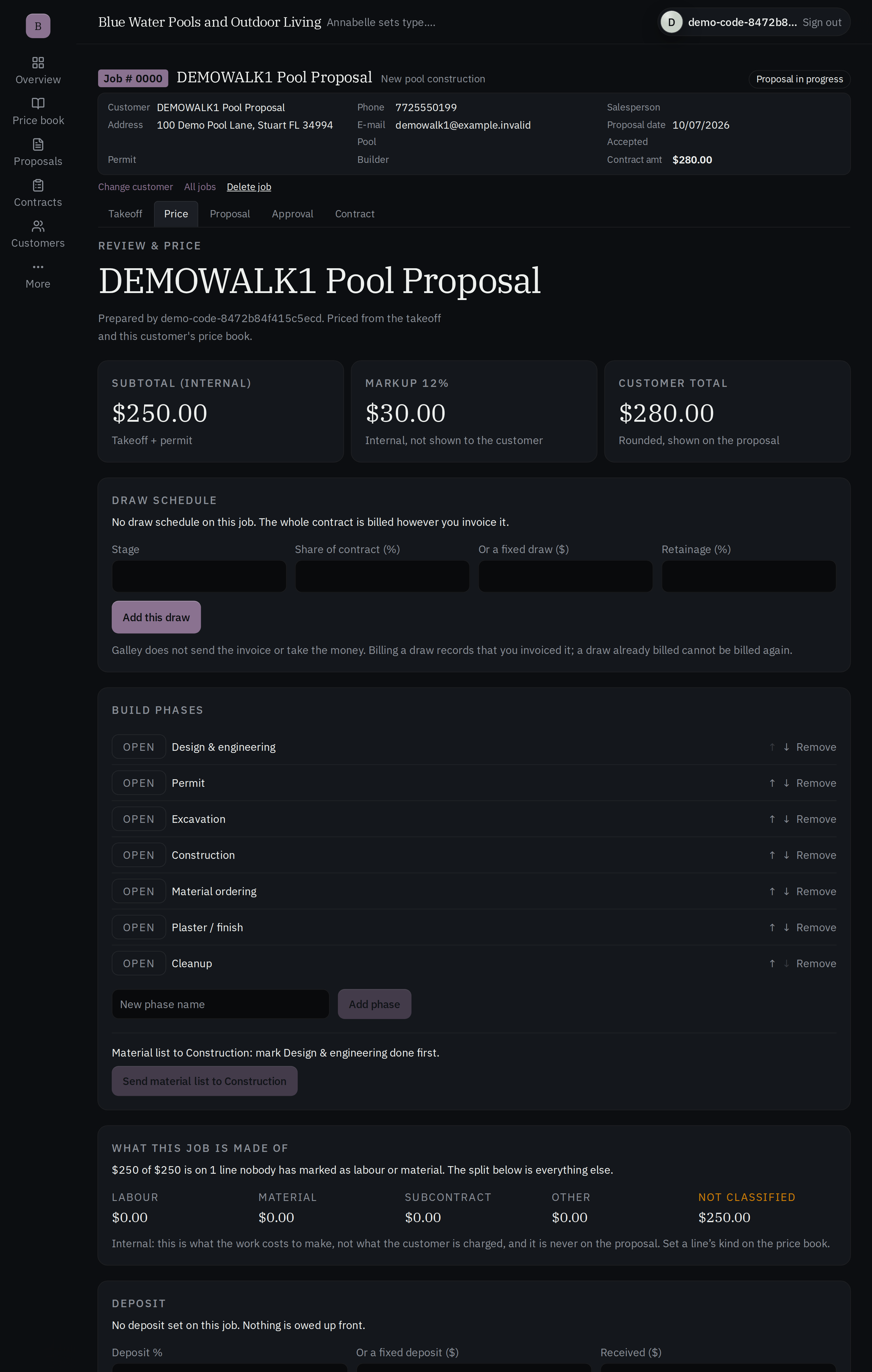
Bring the proposal and contract you already use. They come out of Galley looking exactly the same, with your numbers, priced from your own price list once you import it. Each Command Center owner uploads their own price list. Galley prices every estimate from yours. Capture the job by photo, voice, or typed scope, and Annabelle walks you through it. No per-proposal fee. Included with every Command Center tier.
See it in action
A closer look
How it actually works
Their paper. Your rates.
1. Upload the proposal you already use
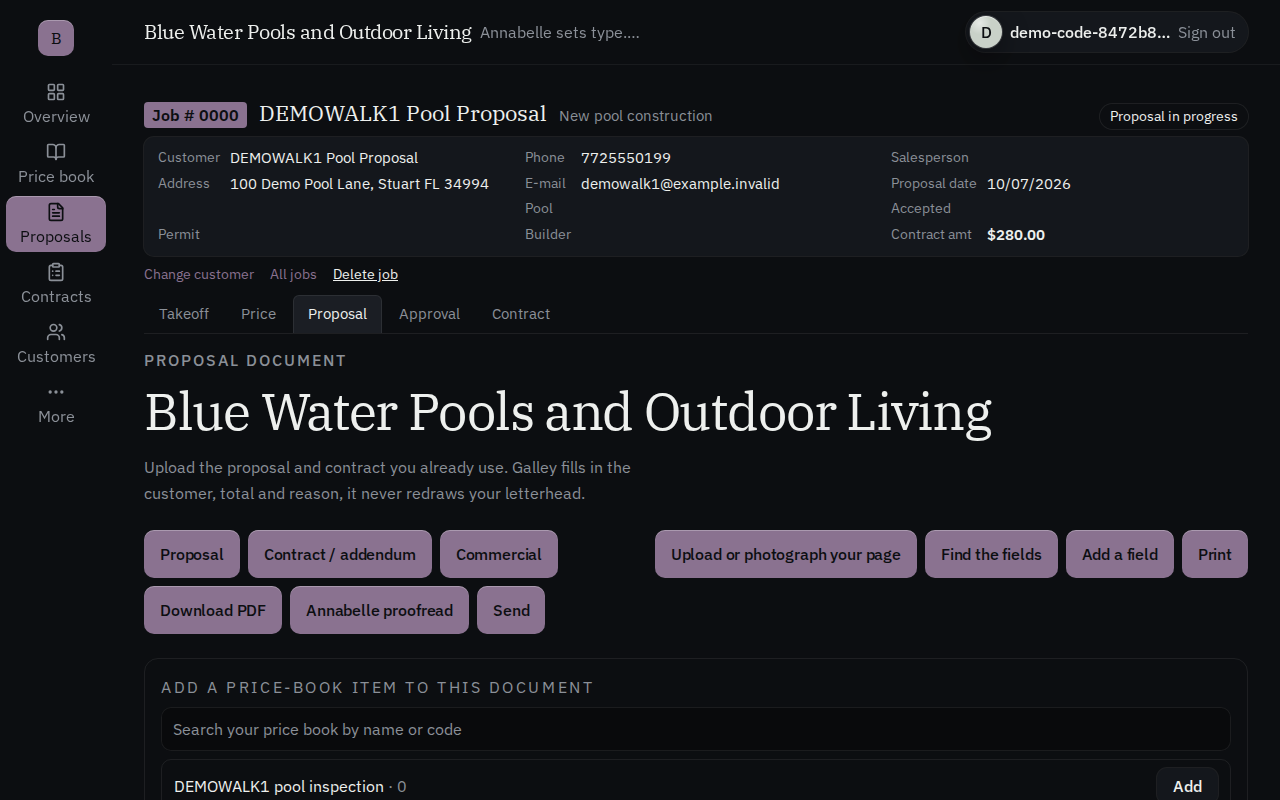
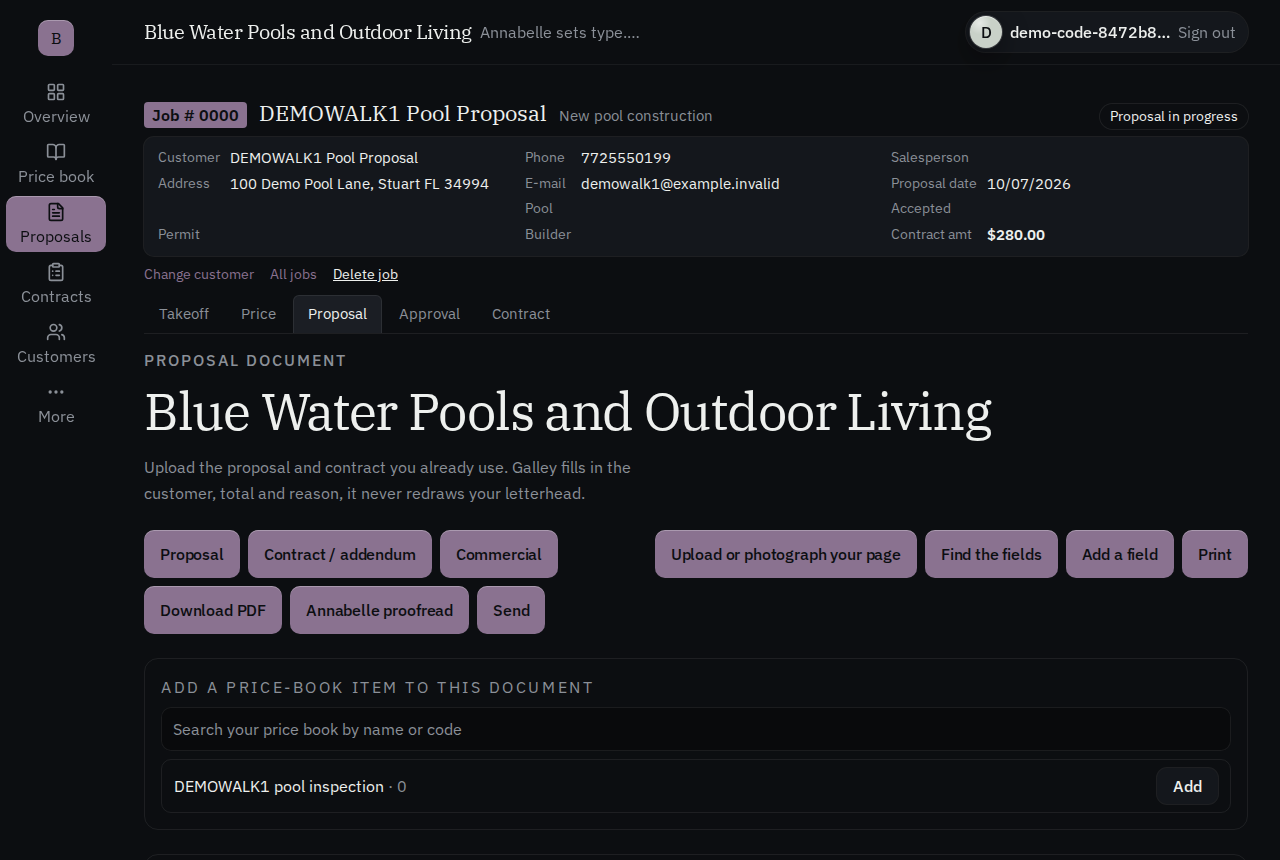
Photograph it or upload the PDF, the proposal and contract you already print. That becomes the fill-in-the-blanks: your letterhead, your layout, untouched. We lay the numbers into blanks on your page; we do not redraw it.
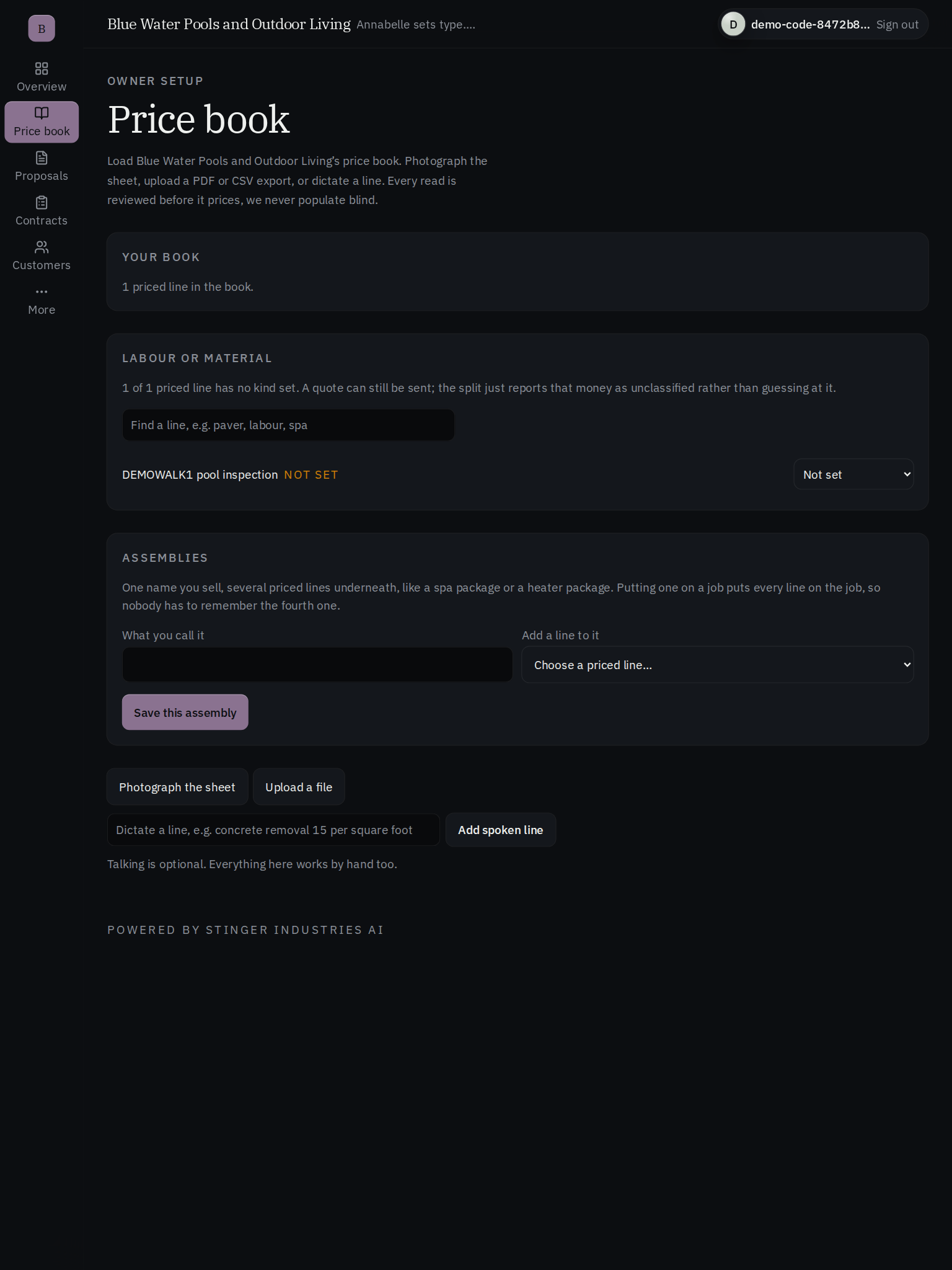
2. Connect your price list
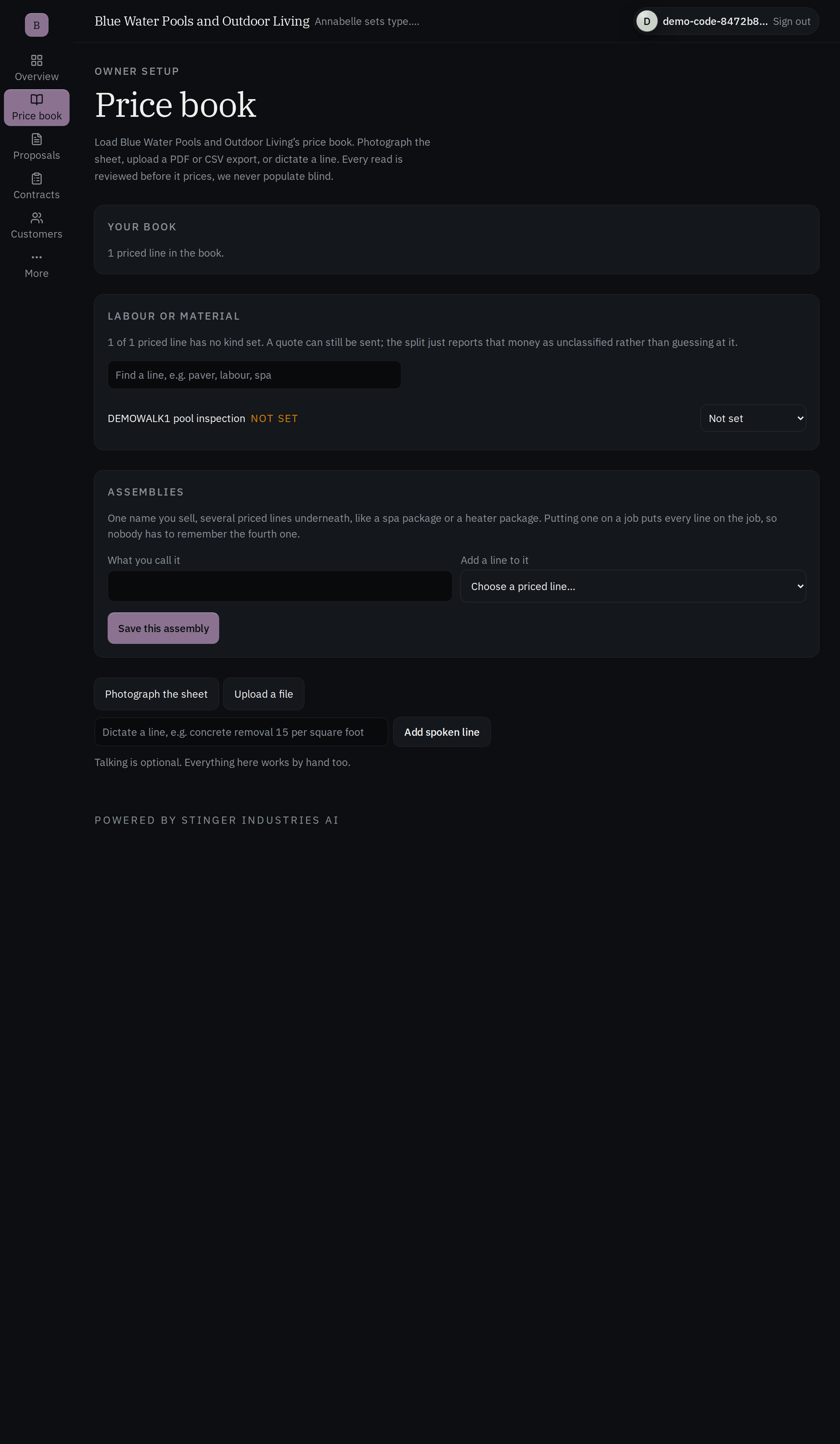
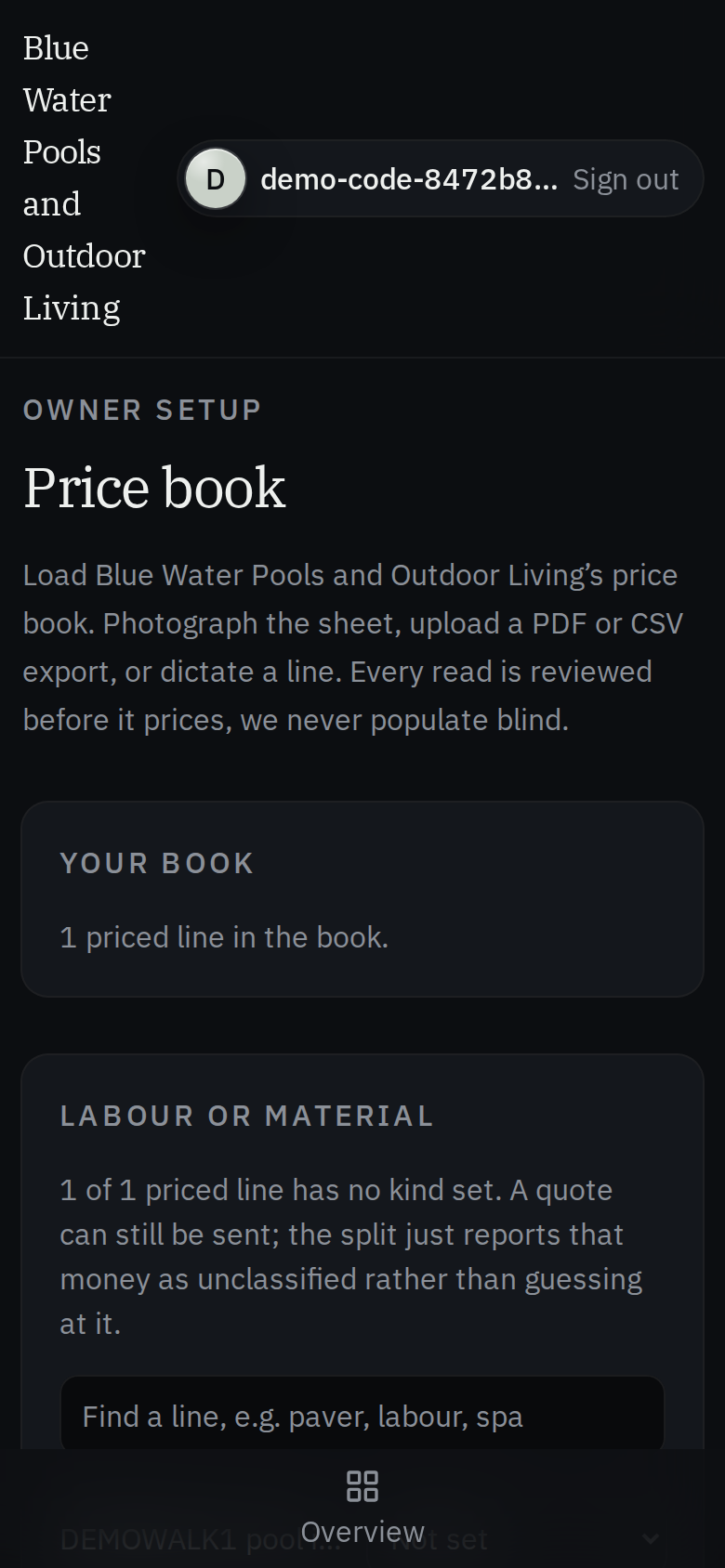
Your codes, your rates, your required line items: bonding, termite, whatever your business runs. Pricing is computed only from your stored price list, never a number invented on the fly.
3. Talk through the job in plain words
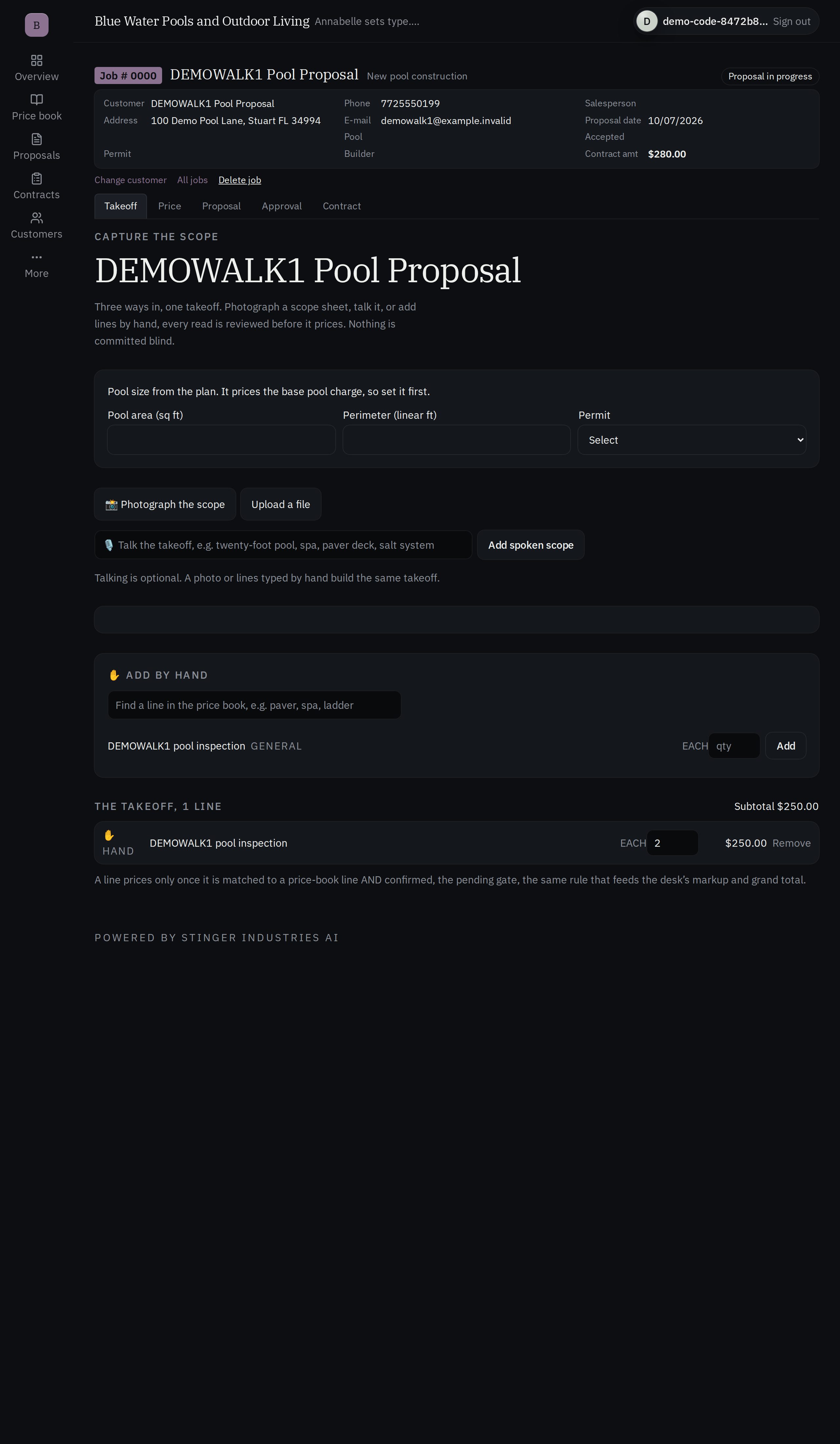
Photograph the site, say it out loud, or type it. The same numbers come out identical every time. They land, priced, on your own proposal, your own letterhead.
4. You own the send
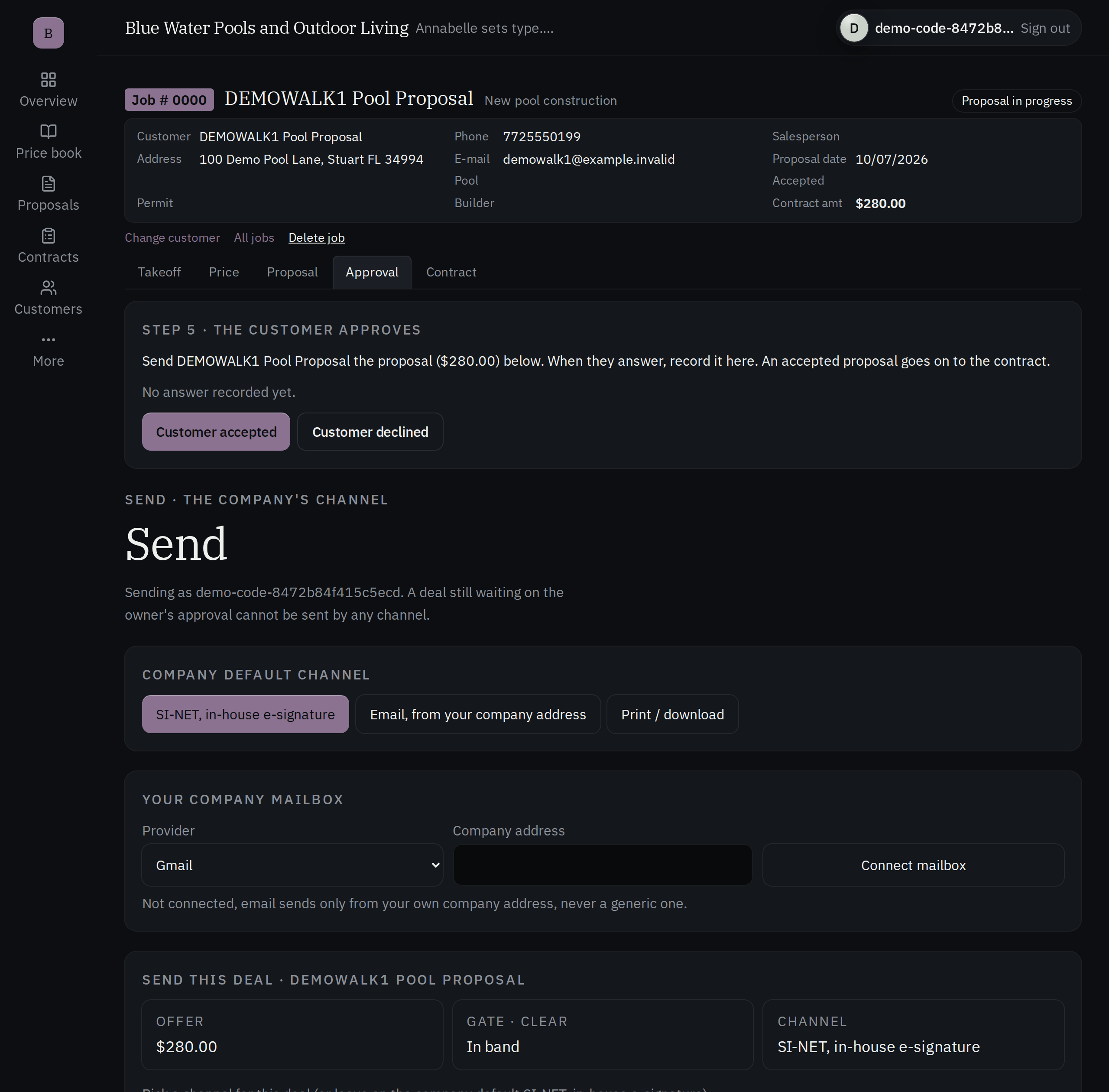
You approve before it goes out. Galley does not email your customer. You read it, you approve it, you send it.
The document
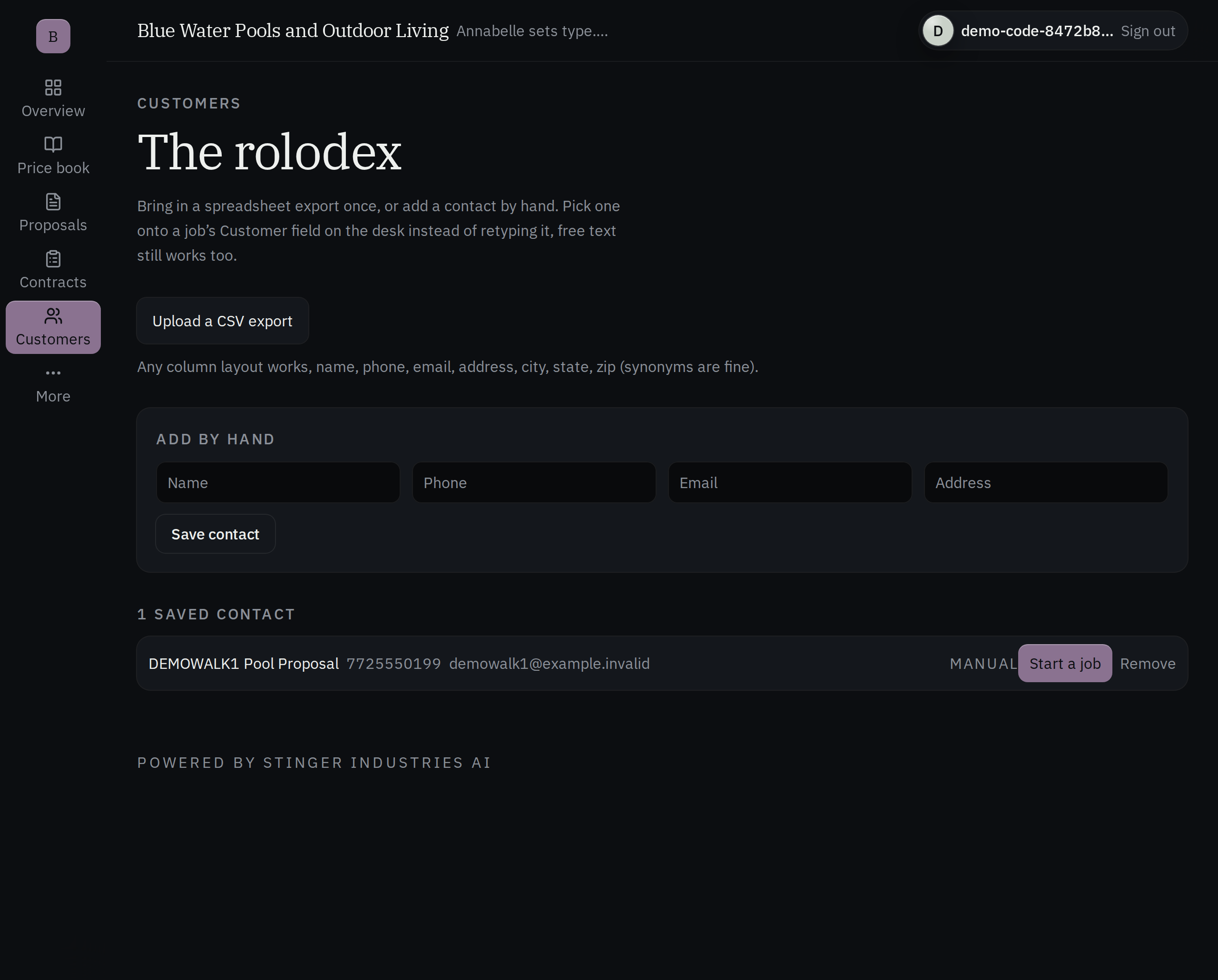
Names and addresses come from the customer list; you still write the terms.
Every field says where it came from
Client name, email, address and lead source come from the customer list. Scope inclusions and exclusions, warranty, permits, change-order terms, insurance and license details are typed by you. Each field shows where it came from, whether it came from the customer list, was typed by hand, or worked out from the others, so you can see which is which.
Missing is "unknown," not a guess
A field with no evidence behind it stays empty. It doesn't get filled with something plausible, and a derived field will not compose a sentence out of a blank. Empty stays empty. No guessed total.
The thirteen computed fields are arithmetic
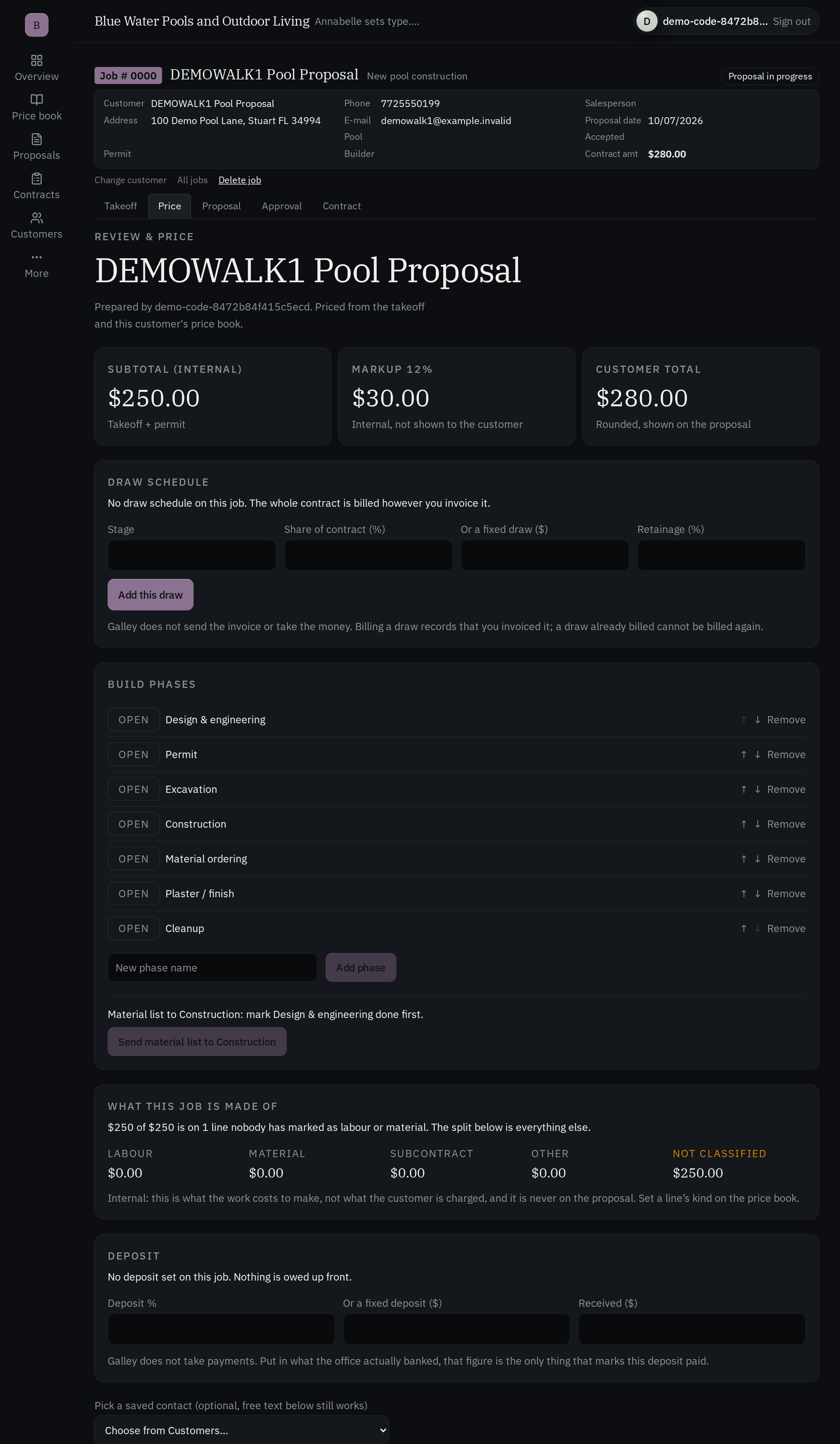
Tax from subtotal and rate. Total from subtotal and tax. Deposit and balance from the deposit percentage. Expiration thirty days out. If the subtotal or the rate is missing, the total stays unknown rather than reporting a number.
Drafts save and reopen, ready to sign
A proposal-and-contract draft is saved and reopened later. It carries a secure link to sign, good for twenty-one days.
Pricing the job
Where does a Galley quote's price actually come from?
The total is computed here, not accepted
Line-item totals come from your stored price list, not from a number typed on a phone. A quote never gets built from invented prices. You send it, not the software.
The dollar total stays blank until you put your number on it
The Proposal Writer cannot invent a dollar figure. It leaves the figure blank for you to confirm, and the reviewer fails any draft that filled that blank with a number.
What the price covers, stated plainly
Every quote must say what the number covers, and that extra work is priced before it is done. A draft missing that section is sent back.
Quotes move draft to sent
Every amount is held to the exact penny, and a quote's status is draft or sent, not a free-text field somebody can talk their way past.
What's real vs. what's roadmap
It writes from what you tell it: photo, voice, or typed.
Photo, voice, or typed: same numbers
Capture the job by photo, by voice, or by typed scope; all three converge on the identical numbers, priced from the same price list. It reads what the salesperson captures on site. It does not measure a job from a stamped plan set.
The reviewer is a second pass, not a lawyer
The six-point check catches thin sections, leftover fill-in text, invented numbers and a missing terms block. It is not legal review, and warranty, license and insurance language is still yours to write and yours to stand behind.
The price list needs a CRM behind it
Priced quotes read from your connected price list. With nothing connected, the quote builder says there is no price list to read. It doesn't fall back to a made-up catalog. Proposal drafting still works either way.
Included, and it embeds too
Galley is included with every Command Center tier, and the same proposal writer embeds right inside Command Center, so use it whichever way you already work.
An approval step, reusable templates, and your old proposals brought in
A draft can sit behind an approval step before it goes out. Save a proposal as a template and start the next job from it instead of a blank page. And you don't have to start clean: a history-import tool brings your past proposals and contracts in from wherever you kept them before.
How it compares
Galley against legacy field-service quoting and PandaDoc.
The act is the same for any shop: your form, your rates, you send. Legacy field-service quoting tools and PandaDoc do not run an independent AI quality pass on every draft before a human sees it, and neither publishes a block that keeps the AI from inventing a price the way Galley's does. Some field-service platforms do not publish a price at all. This table does not quote those rates.
| Feature | Galley | Legacy field-service quoting | PandaDoc |
|---|---|---|---|
| Writes a full narrative proposal on your own proposal and contract format, so the output looks exactly like what you print today | Yes: your letterhead and layout filled in, not redrawn into our template | Varies: some fill a quote from templates. A full narrative on your own letterhead is a different job. | Partial: AI drafts an executive summary and scope language from a brief, not the whole document |
| Your salesperson speaks the scope by photo, voice, or typed, and all three produce the same numbers | Yes | Not published | Unclear from public page |
| An Annabelle quality pass reviews every draft before a human sees it | Yes | No | No |
| Line pricing computed from your own price list, never a number the browser sent up | Yes | Yes | Yes |
| The AI cannot invent a price: the price line stays blank until a human fills it in | Yes | Not published | Unclear from public page |
| E-signature built in to close the deal | yes, hands off to SINET, included | Yes | Yes |
| Per-proposal or per-document fee | No | Often none. Where a platform publishes no price, a per-document fee is not stated either. | no on paid tiers; free tier capped at 60 documents/year |
| Monthly cost beyond your plan | Included with every Command Center tier | A separate subscription. This page does not quote those rates. | $19 to 49/user/mo |
PandaDoc figures from its own pricing page, 2026-09-03. The field-service column is a category contrast and does not quote another vendor's price. Galley features drawn from what's live today per this page and the internal capability catalog.
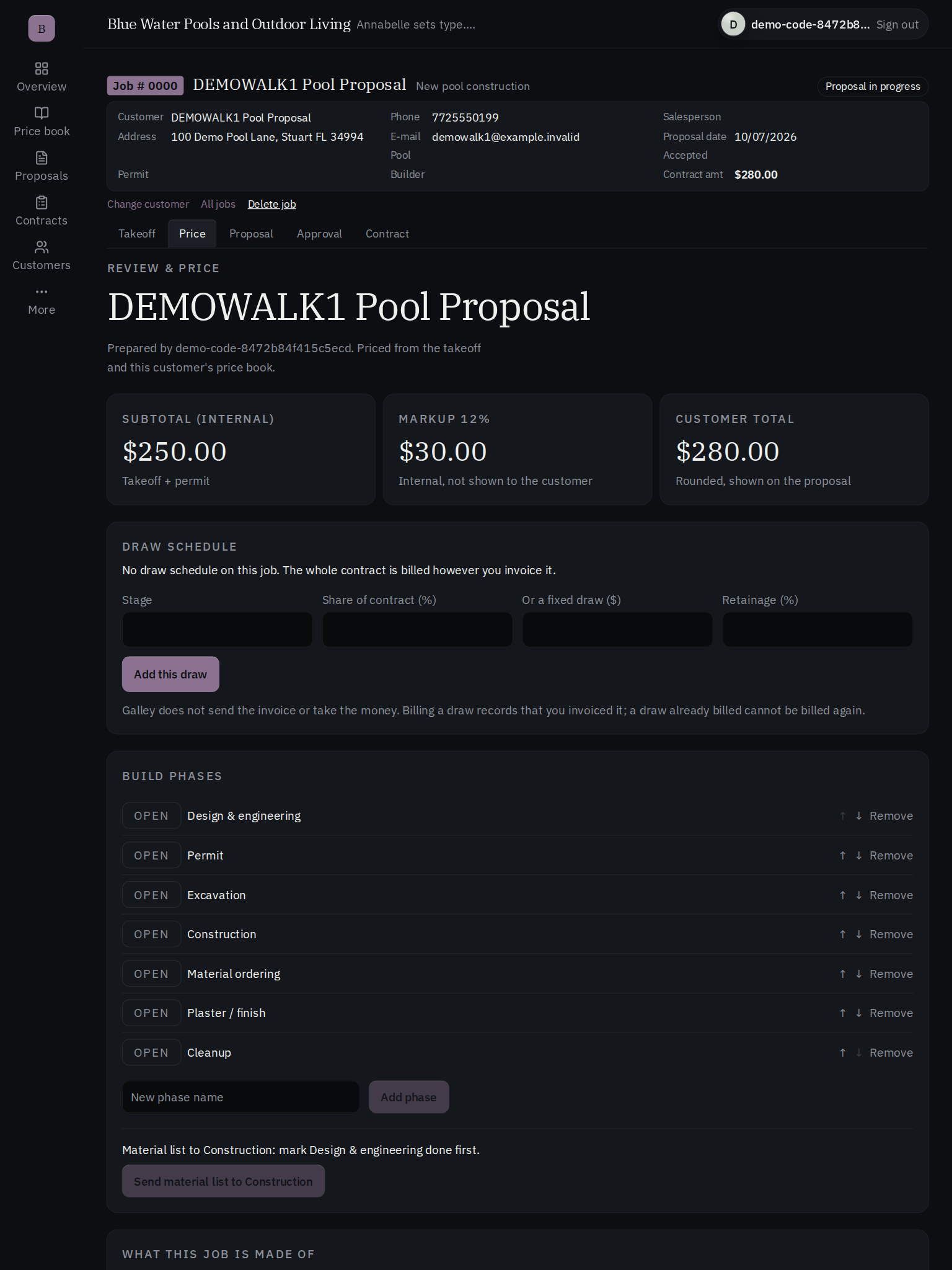
Takeoff & pricing
From a DXF drawing to a priced total that shows its gaps.
DXF takeoff
Bring in a DXF drawing and get area, perimeter and tile quantities from it; very large files are refused.
Reusable kits
Save a set of items as a kit and drop it into a takeoff, with material and labor costs kept apart.
Totals that show their gaps
Totals include permit fees, overhead and markup, and any unpriced row stays visible; the server recalculates rather than trusting numbers sent from the screen.
Change orders, including credits
Add change orders, including credits, and keep ordered phases you can mark complete.
The proposal page & release controls
Your own paper, with approval rules before anything goes out.
Mark up your own proposal page
Mark blank fields on your own proposal page, let Galley detect blanks from a photo, and export the filled PDF.
Approval rules with teeth
Set discount floors and dollar thresholds; a release that is out of date or unauthorized is rejected.
A named release
A named person releases each proposal. Email and DocuSign prepare the message only; live delivery is not switched on there.
After release & reporting
Into the job, into the pipeline.
Into the job, not ordered yet
Once a proposal passes approval, its material lines go to the matching phase of the job in Command Center, marked not ordered.
Drafting, notes and proofreading
Prepare a draft, keep notes, and have it proofread before a person releases it.
The pipeline, read straight
Read the pipeline: board value, unpriced jobs, sent drafts, approvals, billed draws, retainage and labor-to-material mix. There is no payments feed.
Photos read into rows
Photograph a rate card or scope and Galley reads it into rows; needs consent, a budget and an AI provider set up.
Where it fits
Quote to cash starts here.
Galley picks up the moment a job is scoped and hands off to SINET when it's time to sign. The draft's secure signing link is the seam between them. Draft, review, send, sign, done, inside your own Stinger account, without a per-proposal fee or a per-signature fee.
Related: once the price is drafted, close it with SINET and see how estimating fits inside the full Stinger platform.
Works with the internet off
Your proposals keep working if the internet drops.
Every screen renders with no page errors while the internet is cut off, and Galley makes zero outbound calls once you are signed in.
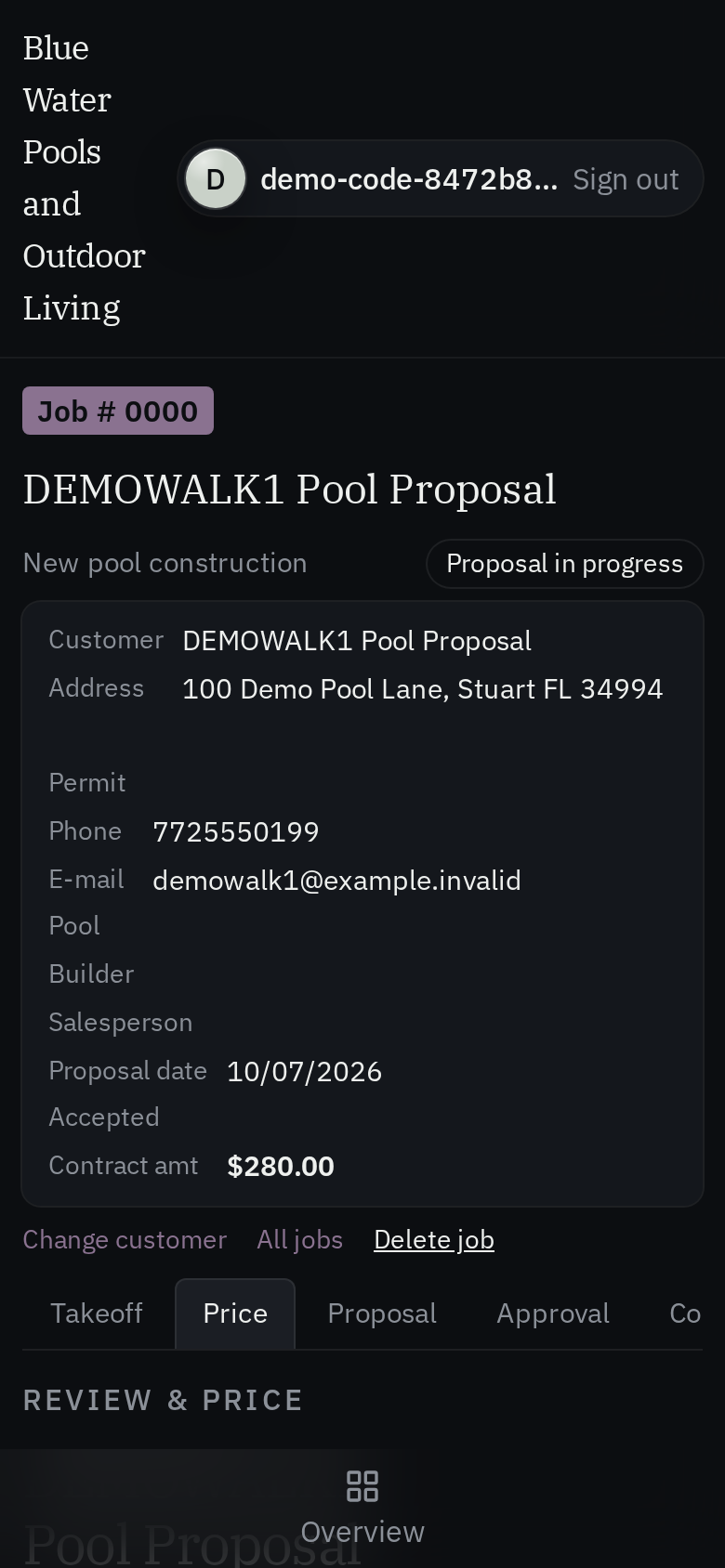
On your phone and tablet
On your machine
Get it on your desk
One click from the browser
Install it as an app
Install it straight from the browser in one click. It gets its own icon on your desktop and taskbar, and opens in its own window.
- Chrome / Edge the Install icon in the address bar, or menu > Install (Apps > Install this site as an app).
- Safari (Mac) File > Add to Dock.
- Safari (iOS) Share > Add to Home Screen.
Android
Google Play
On Google Play, in review.
iOS
TestFlight
Via TestFlight, pending.
No app to install to see it, ask Vincent for the demo.